Naiz Fit vs Souldi (2026)
Choosing sizing for your product page isn’t obvious. Here is a straight comparison of what each tool asks of your shopper, and what it gives back.
Last updated: July 2026
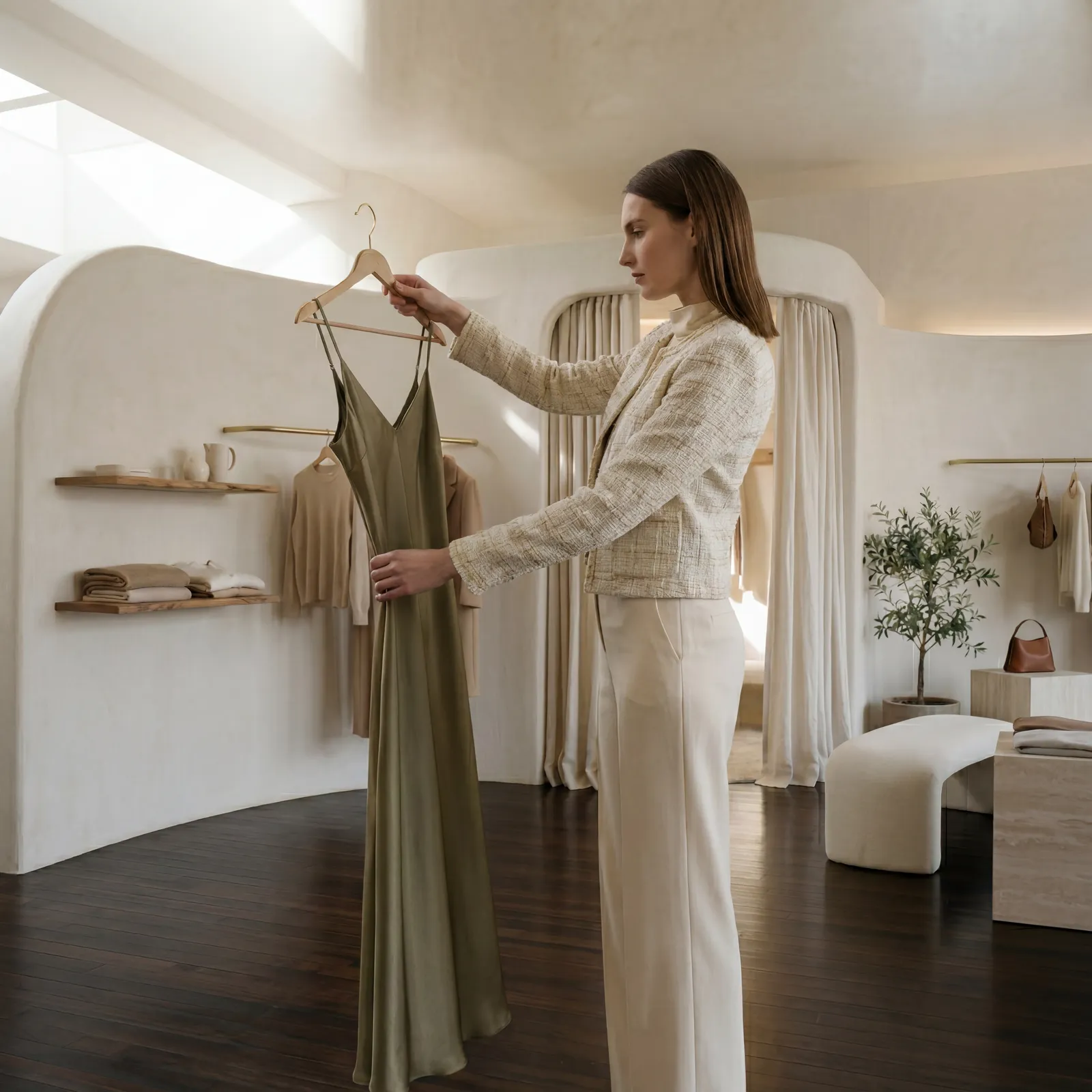
The fitting room, on your website.
At a glance: Souldi vs Naiz Fit
| Capability | Souldi | Naiz Fit |
|---|---|---|
| Sits inside your product page | SouldiYes. A widget on the PDP, opened from the size selector | Naiz FitYes. A widget on the PDP, opened from the size selector |
| Recommends a size | SouldiYes. One size per garment, with how it will sit on them | Naiz FitYes. One size per garment, with the confidence behind it |
| Add to cart from the widget | SouldiYes. The recommended size goes straight into the basket | Naiz FitYes. The recommended size goes straight into the basket |
| Nothing for the shopper to install | SouldiYes. It runs in the browser, with no app and no download | Naiz FitYes. It runs in the browser, with no app and no download |
| Works on phone and desktop | SouldiYes. The same widget on either | Naiz FitYes. The same widget on either |
| Analytics for the brand | SouldiYes. Fit by body zone across your catalogue, so you see where a pattern runs tight | Naiz FitYes. A sizing dashboard, and size-bracketing alerts when a shopper orders two sizes of the same piece |
| Starts from | SouldiOne photo. The body is read automatically, with nothing to type | Naiz FitFive typed fields: gender, height, weight, birth year, and how they like clothes to fit |
| Basis of the answer | SouldiThe shopper’s own measurements, zone by zone against your size chart | Naiz FitStatistics from shoppers who described themselves the same way (94% L · 5% XL) |
| Garment shown on the shopper | SouldiYes. The piece rendered on their body, in the same click as the size | Naiz FitNo. The size comes back as a letter, next to a stock photo of a model |
| Remembers the shopper | SouldiEvery product, every device. The reading belongs to the shopper, not to a browser | Naiz FitSame browser only. The answers live in local storage, and go with the cache |
| Asked of your team | SouldiYour existing size chart, and we build the first product page with you | Naiz FitGarment measurements, fabric and construction, supplied per style |
The three differences that would decide it.
One photo, once. Then never asked again.
Naiz Fit keeps the shopper’s five answers in that browser’s local storage: a new phone, another browser or a cleared cache brings the form back. Souldi’s reading belongs to the shopper, so every return visit starts already answered.
Their own measurements, shown on them
Naiz Fit returns a letter and the odds behind it: 94% of similar shoppers chose L. An honest statistic about other people. Souldi answers from the shopper’s own measurements, zone by zone, and renders the piece on their body in the same click.
Your size chart, and our team on the first page
No garment-by-garment measuring programme, no fabric and construction data per style. Send us one style and we return your product page with the try-on already in it. Going live starts as a piece of work we do, not a data request we send you.
Where we disagree with them, and where we don’t.
You’re shopping for a sizing tool, so let’s be direct. Naiz Fit is a good one. Five fields, and back comes a size with the odds behind it. It doesn’t dress a statistic up as certainty, which we respect, and it has years of production behind it: a sizing dashboard, and alerts when a shopper buys the same piece in two sizes to keep one. For plenty of brands that is the whole job.
What we’d argue with is the question, not the answer. A shopper doesn’t know their fit. They know their body, and a photo reads it in a second. That reading is theirs rather than their browser’s, so the second visit asks for nothing, and neither does the fifth, on a new phone, next season.
The other half is what comes back. A letter tells a shopper which size to order. It doesn’t tell them whether the jacket will sit right across their shoulders, and that is usually the doubt still standing when they close the tab. So we show them the piece on their own body, in the same click.
Pick them instead if a camera is a non-starter for the people who buy from you, or if bracketing alerts and a sizing dashboard are what you need this quarter. We’d rather say that here than in month three.
Pick us if your returns read “it didn’t look how I expected” more often than “wrong size”, and if you’d rather ask a shopper for one photo than for their weight.
Naiz Fit details based on public documentation (kb.naiz.fit, naiz.fit/en/solutions/naiz-size-advisor) and product screenshots, as of July 2026. Naiz Fit is a trademark of its respective owner.
Once the body is known, sizing is only the first question.
This is a different job from a size advisor, not a better score at the same one. The photo that answered the size also powers try-on, outfit building and styling across your whole catalogue, inside your own product page.
Every product shown worn, without a shoot
Each garment is rendered on the shopper’s own body, with the drape, length and proportion of the real piece, in the same click as the size. Any SKU in the catalogue, including the ones with no editorial photography.
One product view becomes a full outfit
Shoppers combine the piece with the rest of your collection on the same body: cross-sell that carries the fit certainty across the whole basket.
The occasion, in the shopper’s own words
A shopper says where they’re going, “drinks after work”, “first day back”, and the looks that answer it come from your own catalogue, shown on their body in their size. The match is by meaning rather than wording, so it reaches the look you tagged “evening out”. You write those occasions, or Souldi drafts them for you.